Say it with a
Sound GIF
Convert your favorite Instagram, TikTok and Pinterest videos into sound-GIFs in seconds. Share directly from your custom Android keyboard to WhatsApp and more.

Quick Guide
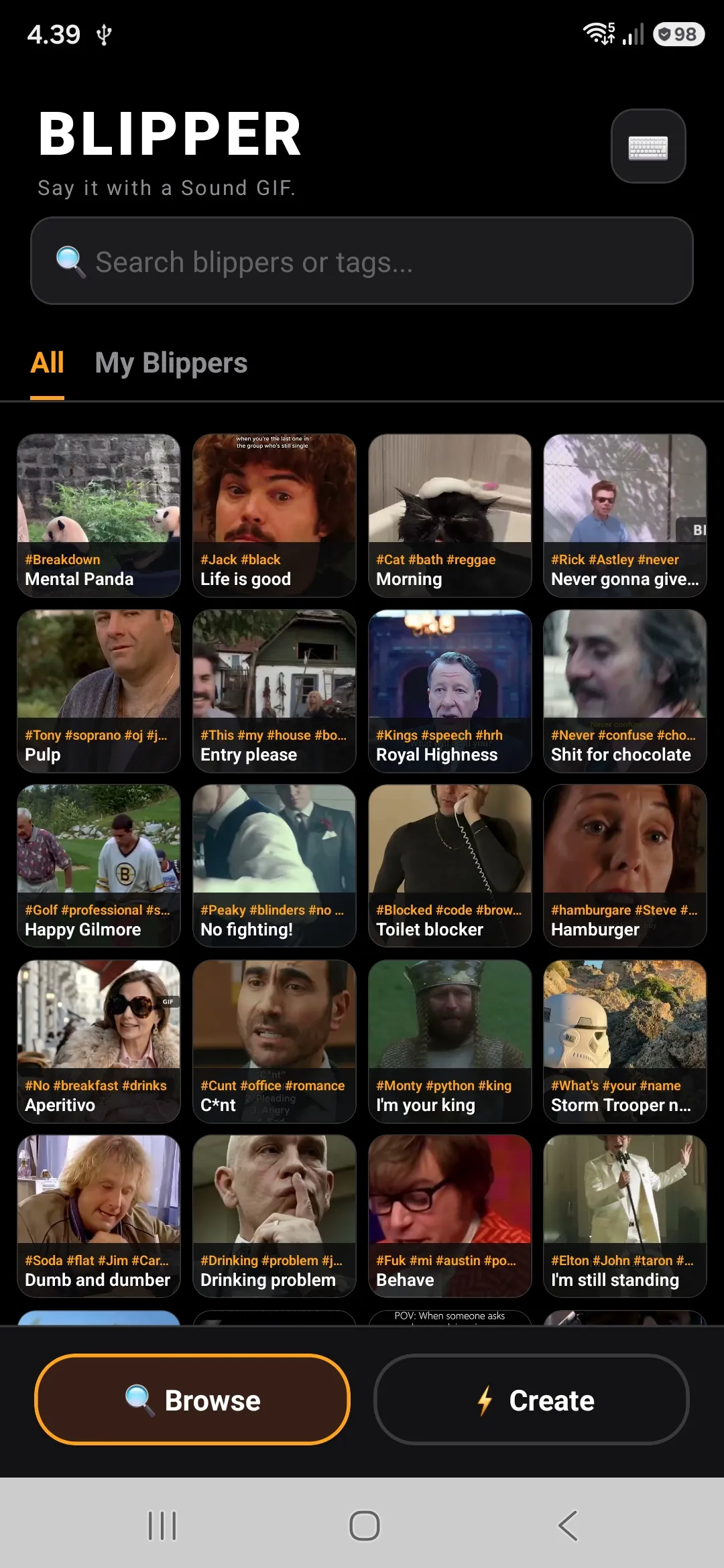
Explore your personal library and find the perfect reaction clip instantly using the built-in search and tag system.
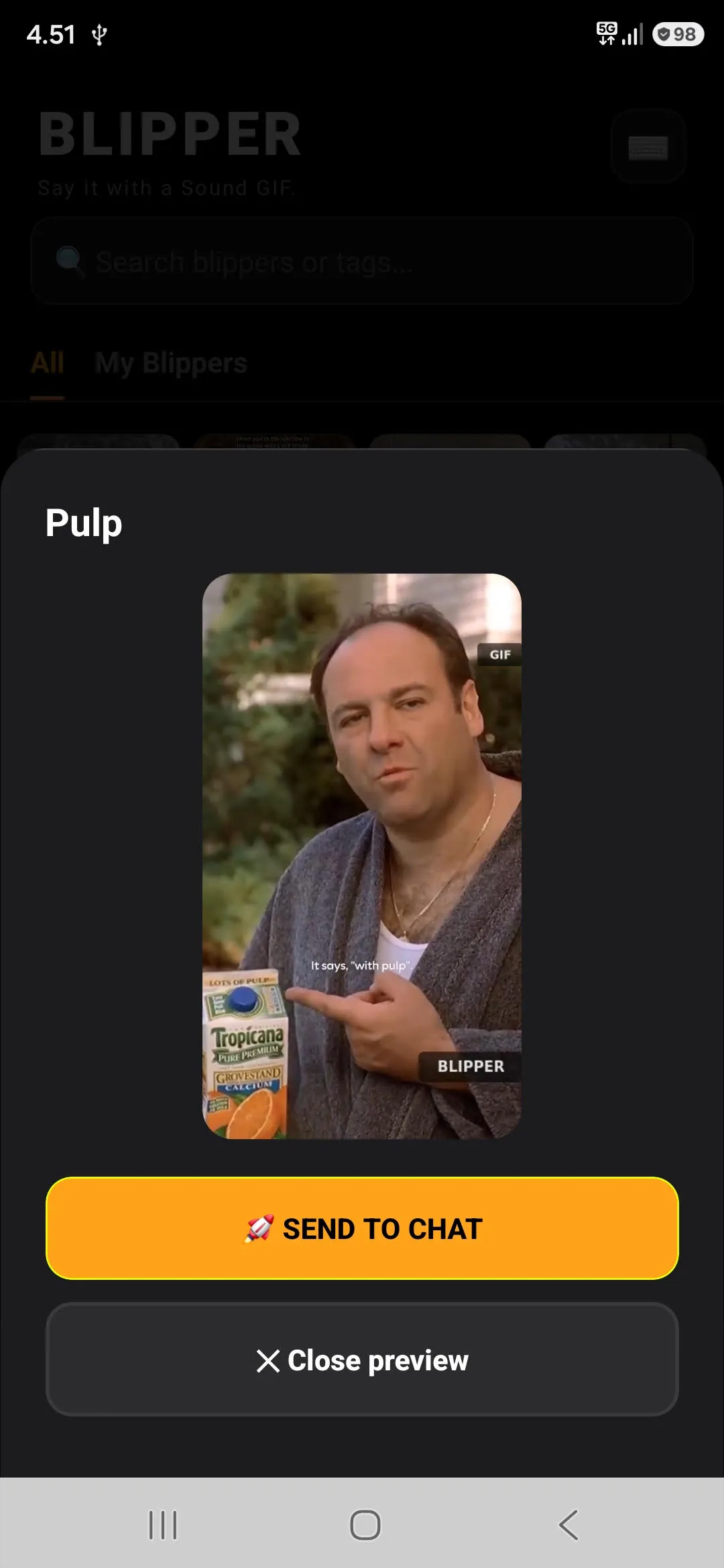
Preview your created clips and blast your absolute favorites directly into any conversation with a single tap.
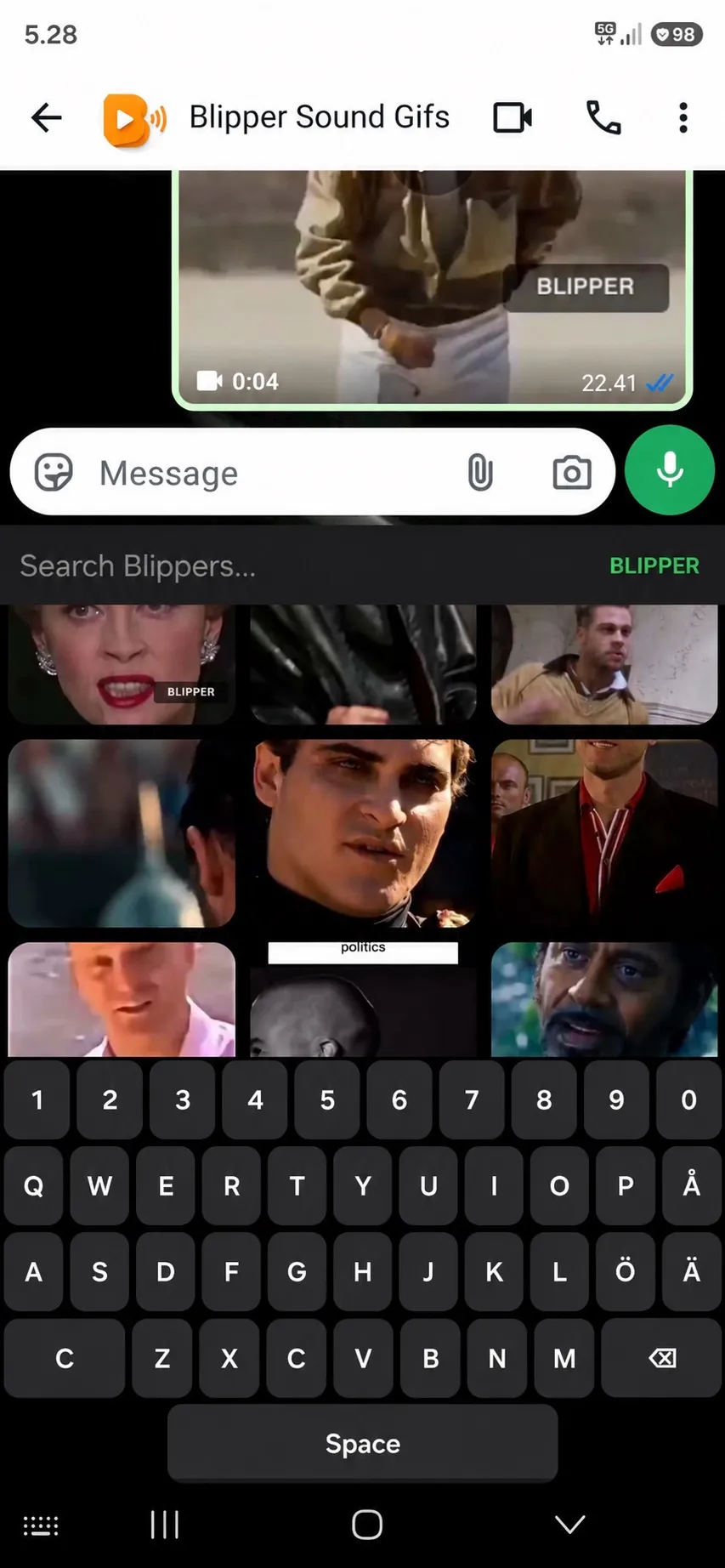
Enable the custom Blipper keyboard in your Android settings to share your Sound GIFs instantly without ever leaving your chat.
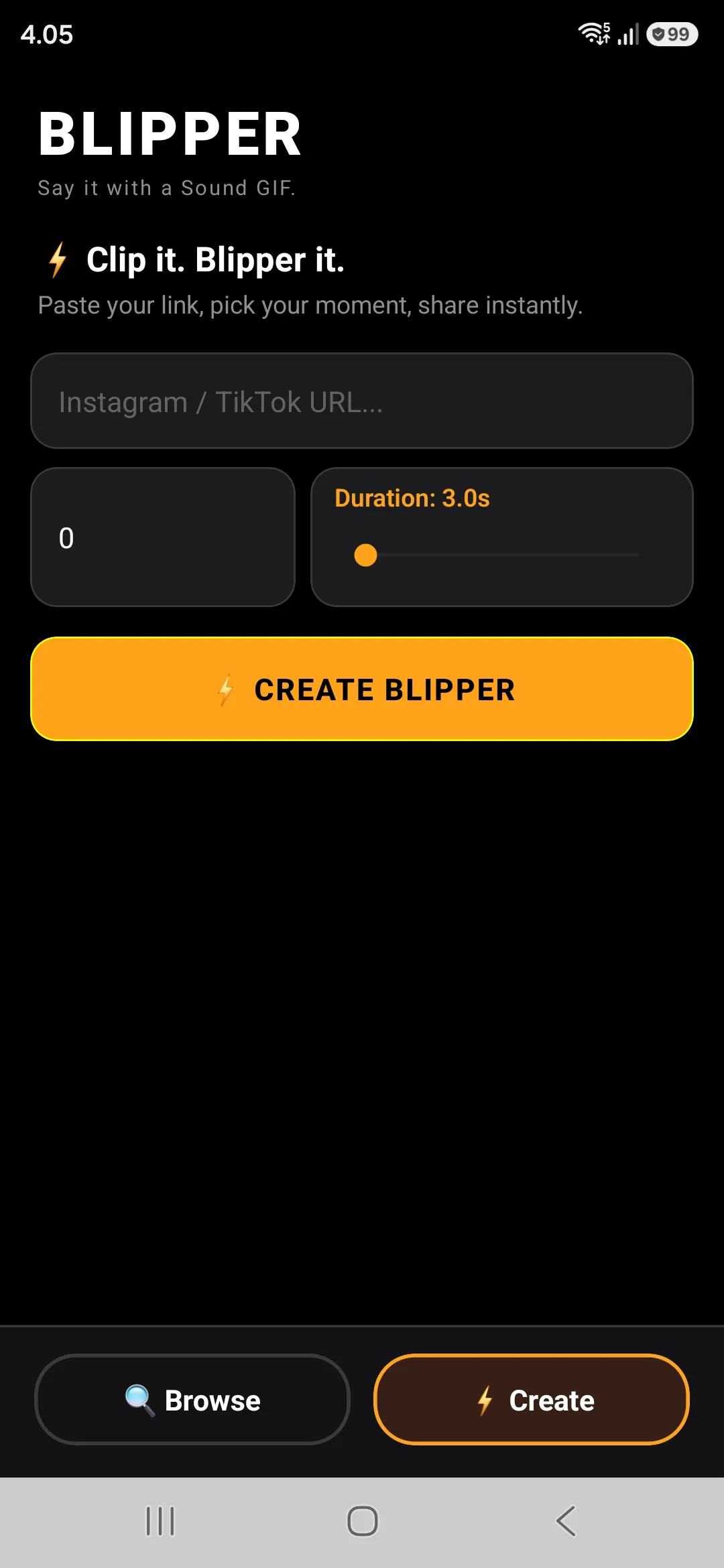
Paste any Instagram Reels, TikTok or Pinterest link, fine-tune the clip duration with the slider, and generate a new Blipper in seconds.
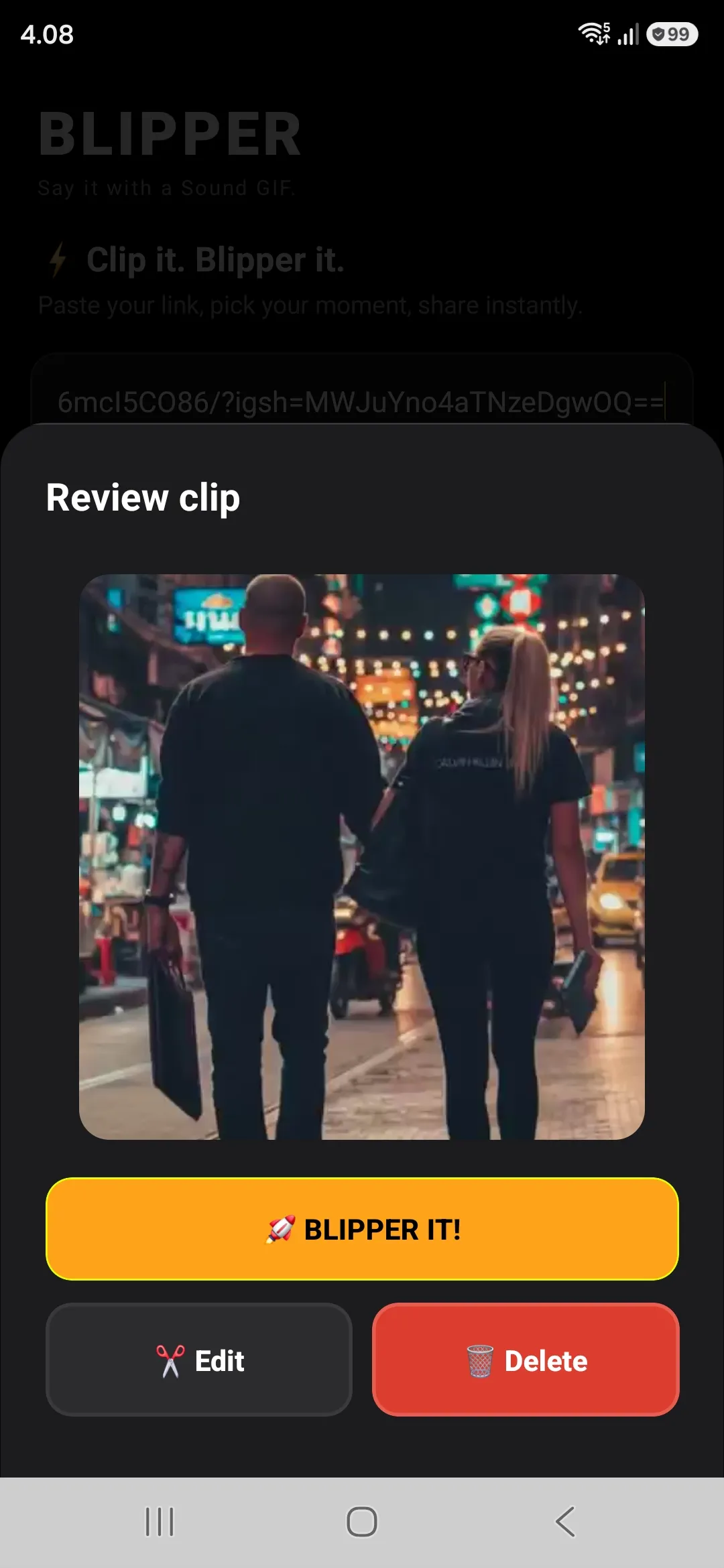
Review the looped video and audio track. You can easily re-trim the timing or discard the clip to try again.
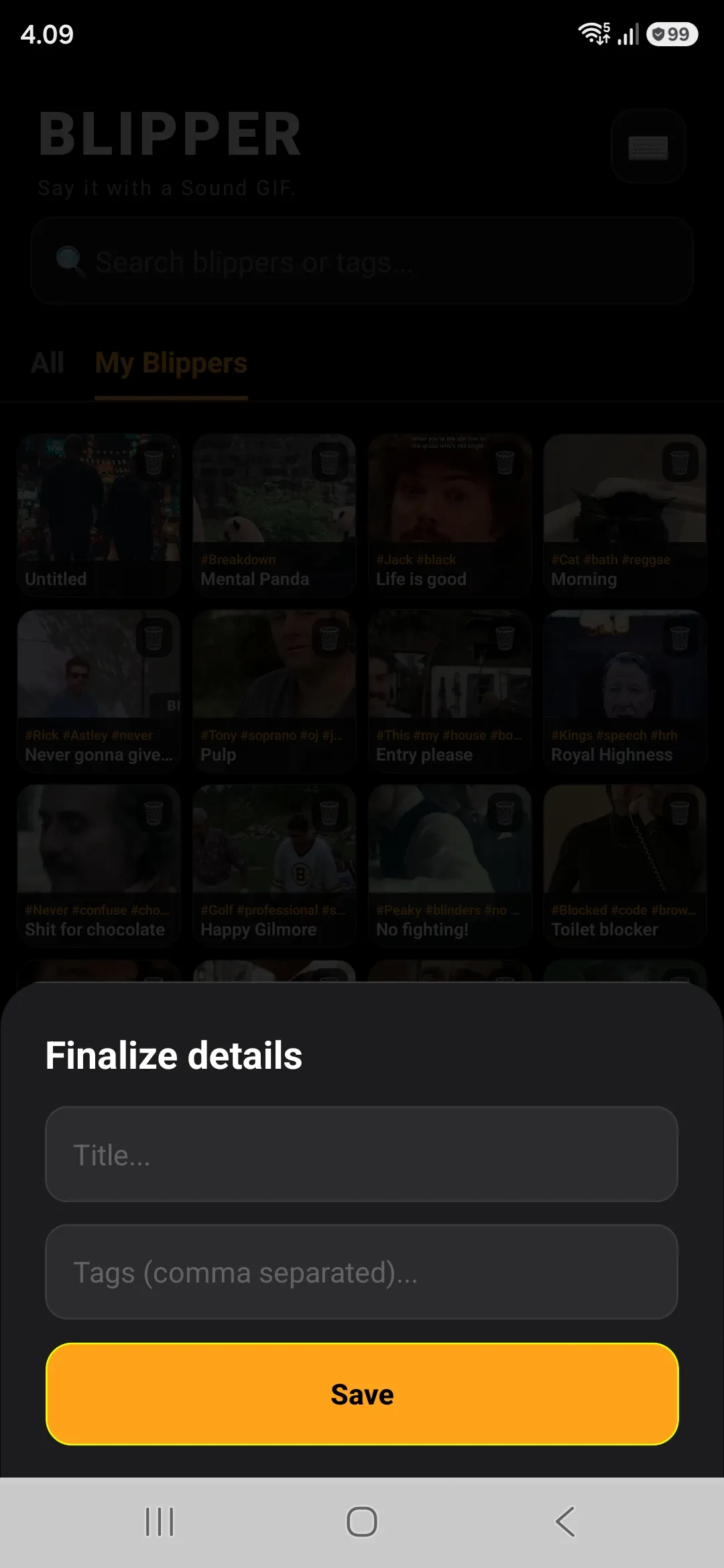
Give your new Blipper a catchy name and add comma-separated tags for lightning-fast searching when you need it.
FAQ
How do I switch to the Blipper keyboard inside a chat?
While typing in WhatsApp or any chat, look at the bottom right corner of your screen's navigation bar. Tap the small Keyboard icon to select Blipper.
Tip: If you see a Microphone icon there instead, long-press it for a second. A menu will pop up allowing you to choose your text input method.
Help! I'm stuck. How do I switch back to my normal keyboard?
Don't worry, you can switch back instantly using any of these three simple ways:
- Tap the Keyboard icon in the bottom right corner while Blipper is open.
- Open the main Blipper app and tap the Switch button.
- Go to your phone's Android Settings → Languages & Input → On-screen keyboard.
Which apps support Blipper?
The custom keyboard works seamlessly on platforms that support direct video input, such as WhatsApp, Slack, Discord, and Telegram. From inside the main app, you can also share clips to any communication app on your system.
Is YouTube supported?
Not officially. Blipper is optimized for vertical short-form videos (Instagram Reels, TikTok and Pinterest Pins). YouTube links might occasionally work in the background, but there is no official UI support for them.
Why is the video quality optimized?
Blippers are designed for fast and lightweight reaction messaging in chats. The optimized resolution ensures clips load and transfer instantly across mobile networks without heavy data consumption.